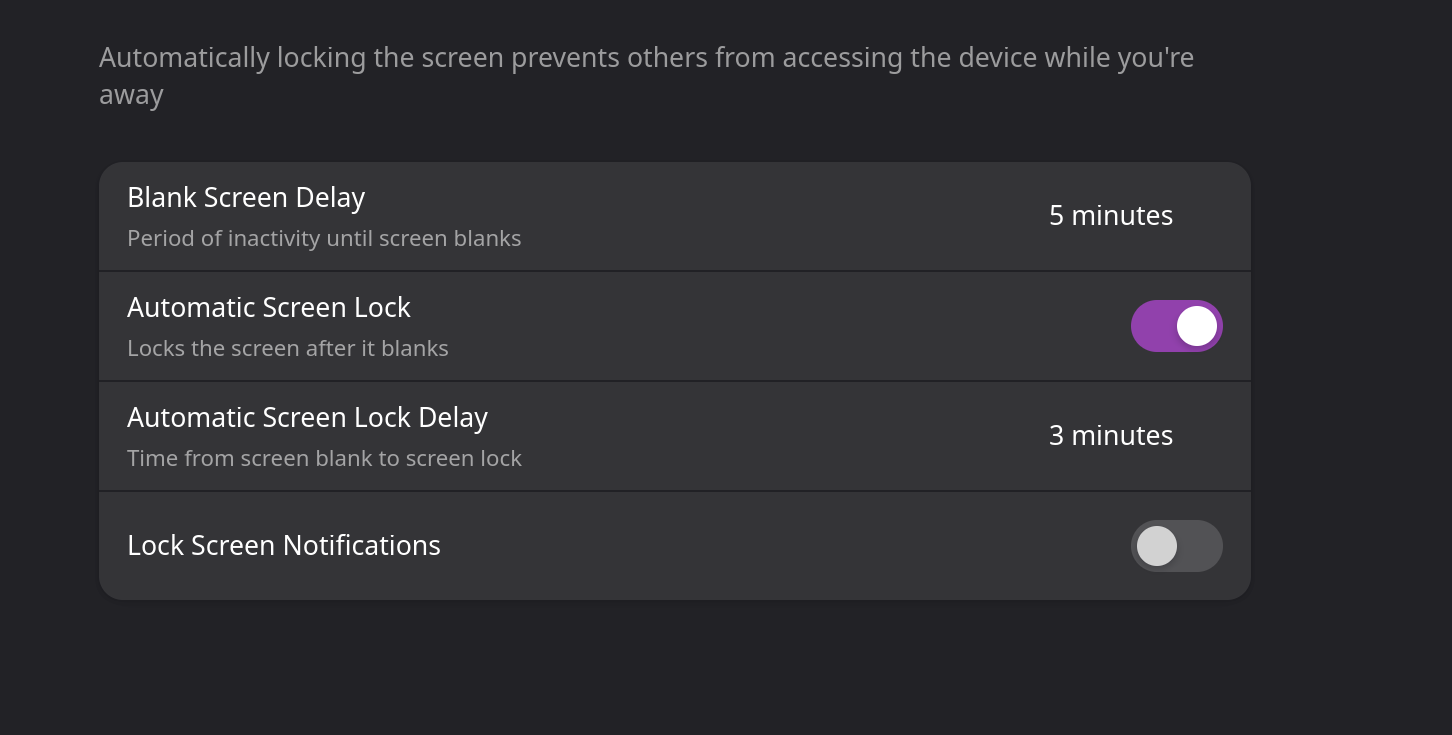
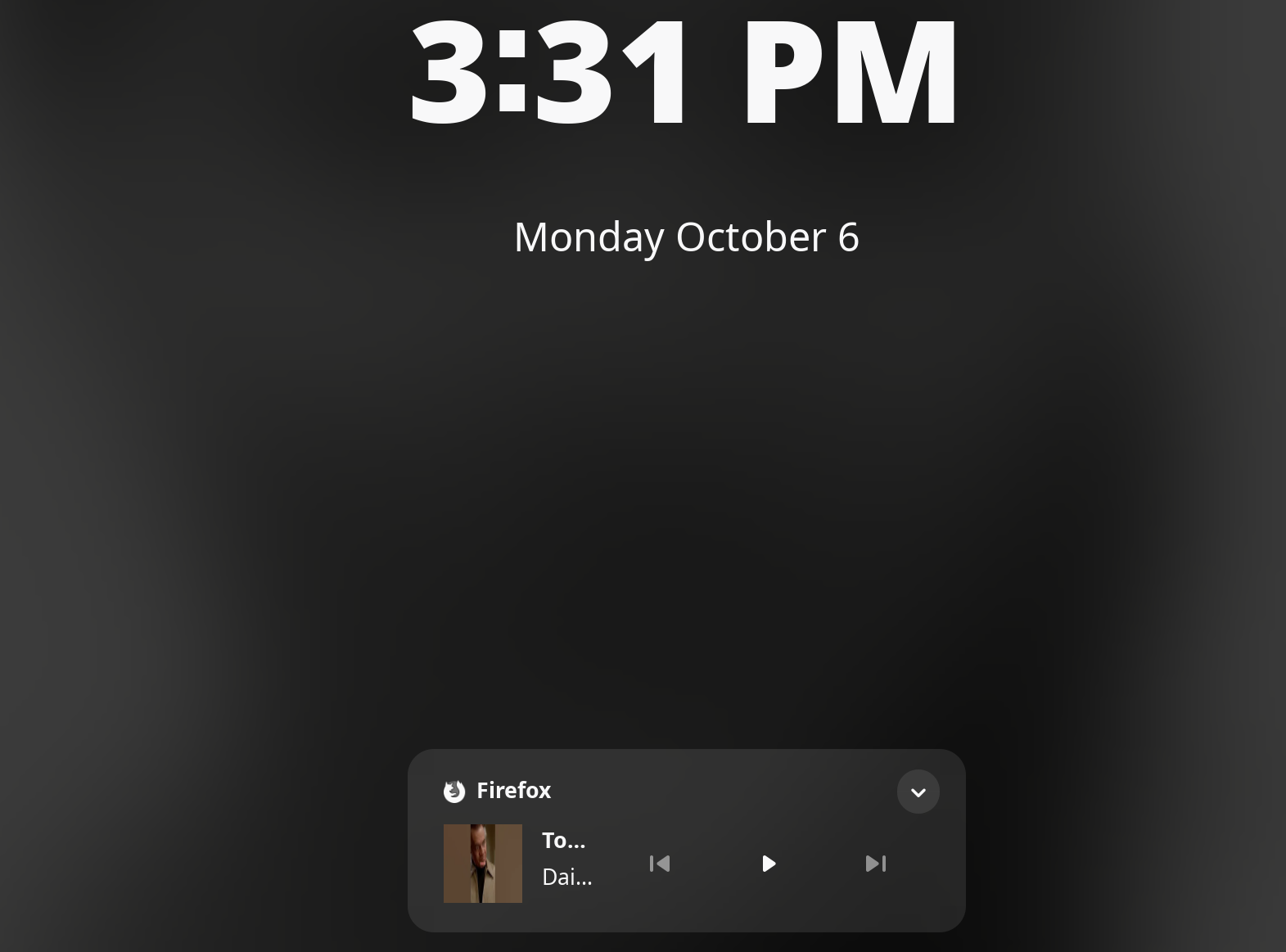
After an update I notice this icon/notification at bottom my lockscreen, but my notifications is off in settings for Firefox app?
?
After an update I notice this icon/notification at bottom my lockscreen, but my notifications is off in settings for Firefox app?
?
You haven’t said which DE (Desktop Environment) you are using (maybe GNOME 49?). However, the notification appears to be that Firefox is playing some media, and coming from your lock screen settings, not Firefox itself.
If it’s Plasma you are running, go to System Settings → Screen Locking → Appearance and uncheck the Show under unlocking prompt.
That is not an icon. It is the media control on GNOME 49’s lockscreen.
As of now, there is no way of easily disabling it with a toggle in the Settings or some gsettings-fu.
However there are some requests for it being possible to disable on Gitlab. For example:
tks…ya i hope the have a toggle on off because i cant stand it.
I get something alike on EOS/Cinnamon. Seems either Firefox or the Gtk media player control are broken in some odd way. You can stop it but to no avail. Sometimes you have to close the tab even before it vanishes.
I can also see the effect when watching the loudspeaker icon in the tray: Shows a speaker—all good, shows a note—something plays or has been playing.
Got used to that quirk, but yes, it slightly annoys me on the lockscreen, too…
Looks like this issue was a duplicate.
Herde is the one with activity: https://gitlab.gnome.org/GNOME/gnome-shell/-/issues/8600