Thanks a lot @manuel.
This is the best news I heard since the start of this issue!
So, we are back to normal? (or something might change and cause an issue again?)
Sorry for asking too much… but it was painful for someone seeking a rolling release (so not to reinstall newer release) to reinstall because of such issue! (I knew latter that there was a way to recover without reinstalling, sorry… non techie here)
We don’t know what the future holds at this point. We have to wait and see. There are still ongoing discussion amongst the grub devs on if backwards compatibility is important or if grub-install should be run with grub-updates.
Keep in mind, there is no urgency on the part of the grub team around this because this isn’t code they have released. It might be some time before have answers here. There is also the possibility that clarity never comes at all.
I found another way without chroot. Make a bootable drive with supergrub2
and then boot the pendrive into supergrub2. Then check for available OS’s in the detect menu. Now you will be shown a list of OS’s in your PC and select your OS. Now fix your grub by updating it from inside.
The steps outlined by @Lugh at comment section 620 helped me.
I had to do few additional steps with the help of @dalto. Thought I share below for others if they have a similar issue.
After the above fix, my system shows GRUB screen and takes me to computer BIOS directly.
I then chroot back and installed both Linux 5.19 and LTS kernels and ran sudo mkinitcpio -P and rebooted and I could now see boot entries. Found this at Reddit Thread
However, my UUID was incorrect so got maintenance error which was then fixed with fstab edits. Thread Link
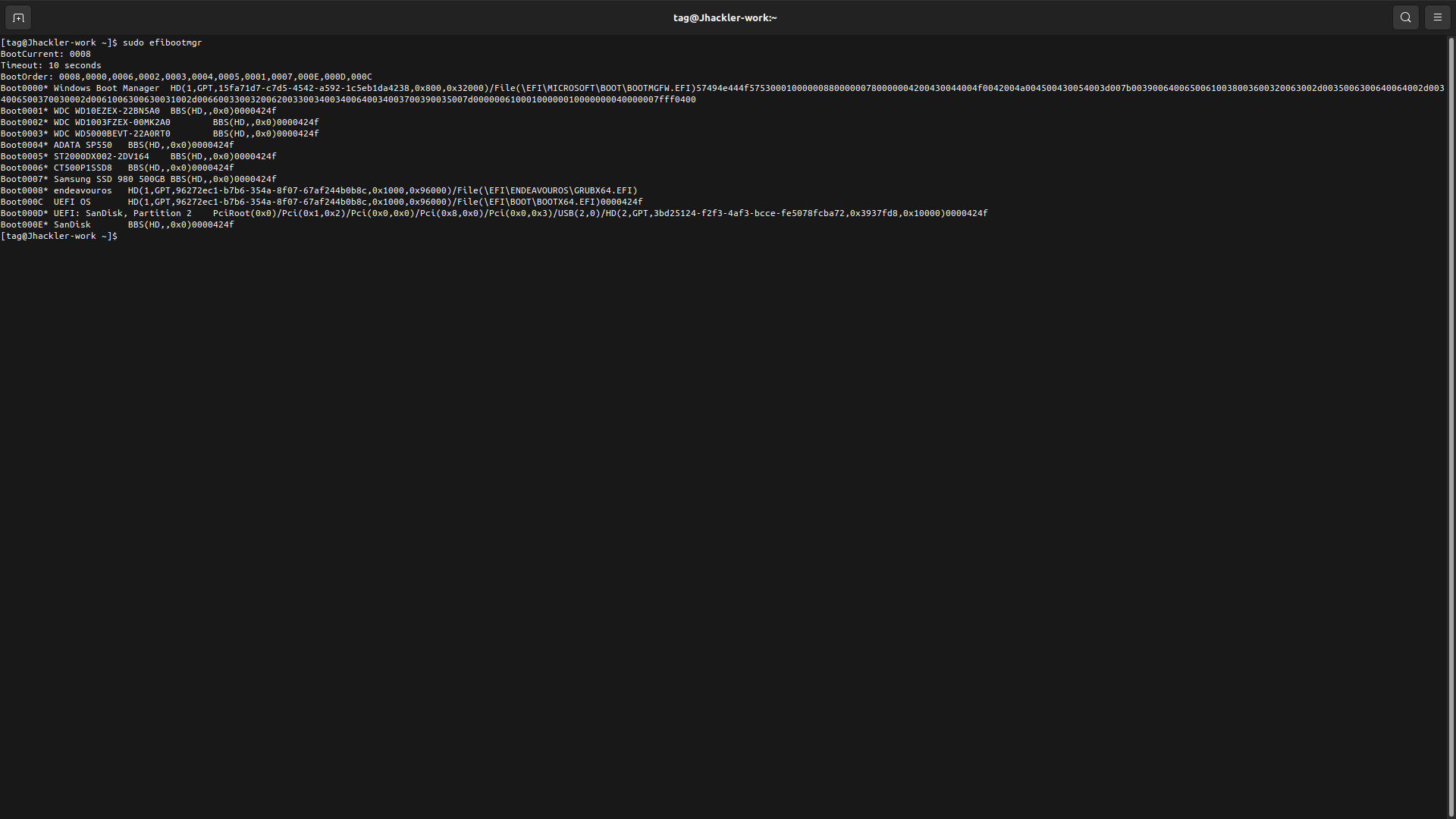
well so It takes multiple tries to boot now and there are 3 uefis on the same disk now and not even sure which one is correct lol. The one that is the first boot option in my bios seems to be the one that works but if I don’t manually select it it somehow doesn’t use it most the time. I don’t really know how to fix this all I did was run grub install a few times and the mk config thing till I got it to work without error lol
so in this example would I run efibootmgr -b C -B or which entries should be removed c has the name of the one that when manually selected drops to recovery 0008 is the current one that I have to manual select despite being first boot option which I thing would be efibootmgr -b 8 -B if I wanted to delete (which obviously I don’t)
sorry for the questions I haven’t dealt with many boot loader issues like this and don’t wanna break anything lol or maybe c is the one that does the non themed boot menu that doesnt work and 6 does the recovery lol
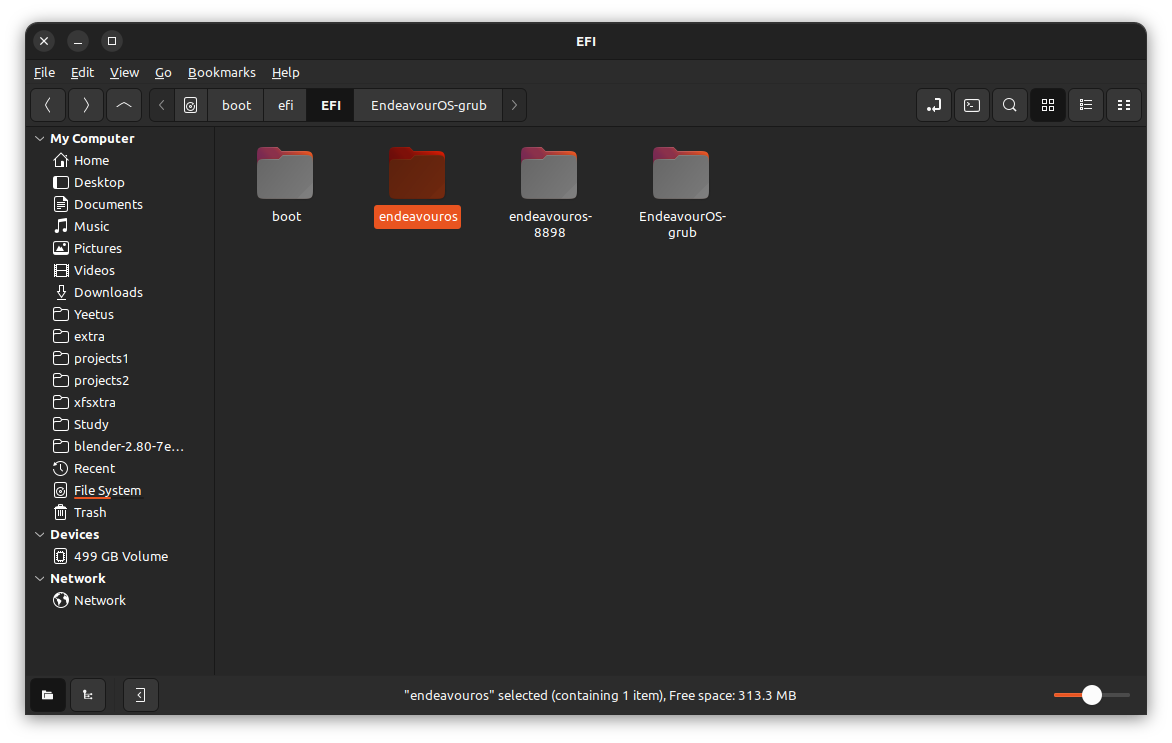
endeavouros is made by sudo grub-install , the other two can be removed ?
you did before the fix i believe… but did grub-install again, does it has the bootorder ?
I thought this was there originally when the problem started. This was in the file when i fist looked at it when the problem first happened.
fwsetup --is-supported
I don’t know what’s different with the if statement as i don’t have each file to compare. I’m trying to understand the file because of the way it affected the UEFI firmware on my MSI hardware. I was able to get it to boot when the problem happened. That was easy but it didn’t rectify other issues such as out of memory and lagging at the UEFI screen booting at the MSI logo. Now everything works back the way it always was. I’m just trying to understand what they changed in that file.