Totally agree! It’s up to us how much blimmin’ we wanna go for 
I couldn’t agree more. I’ve also “stolen” a few things (all of them) from here. The logo from @Noodly and the Fastfetch code from an older post from @UncleSpellbinder.
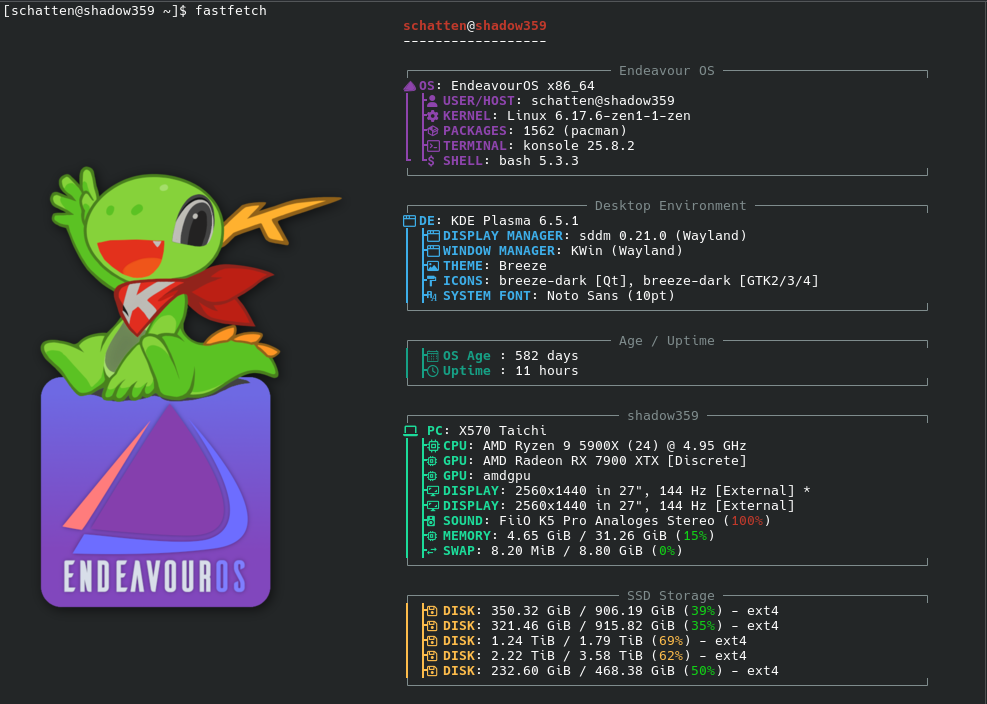
This is blimmin’ fine coding here  From all of us !

what fonts do you have?
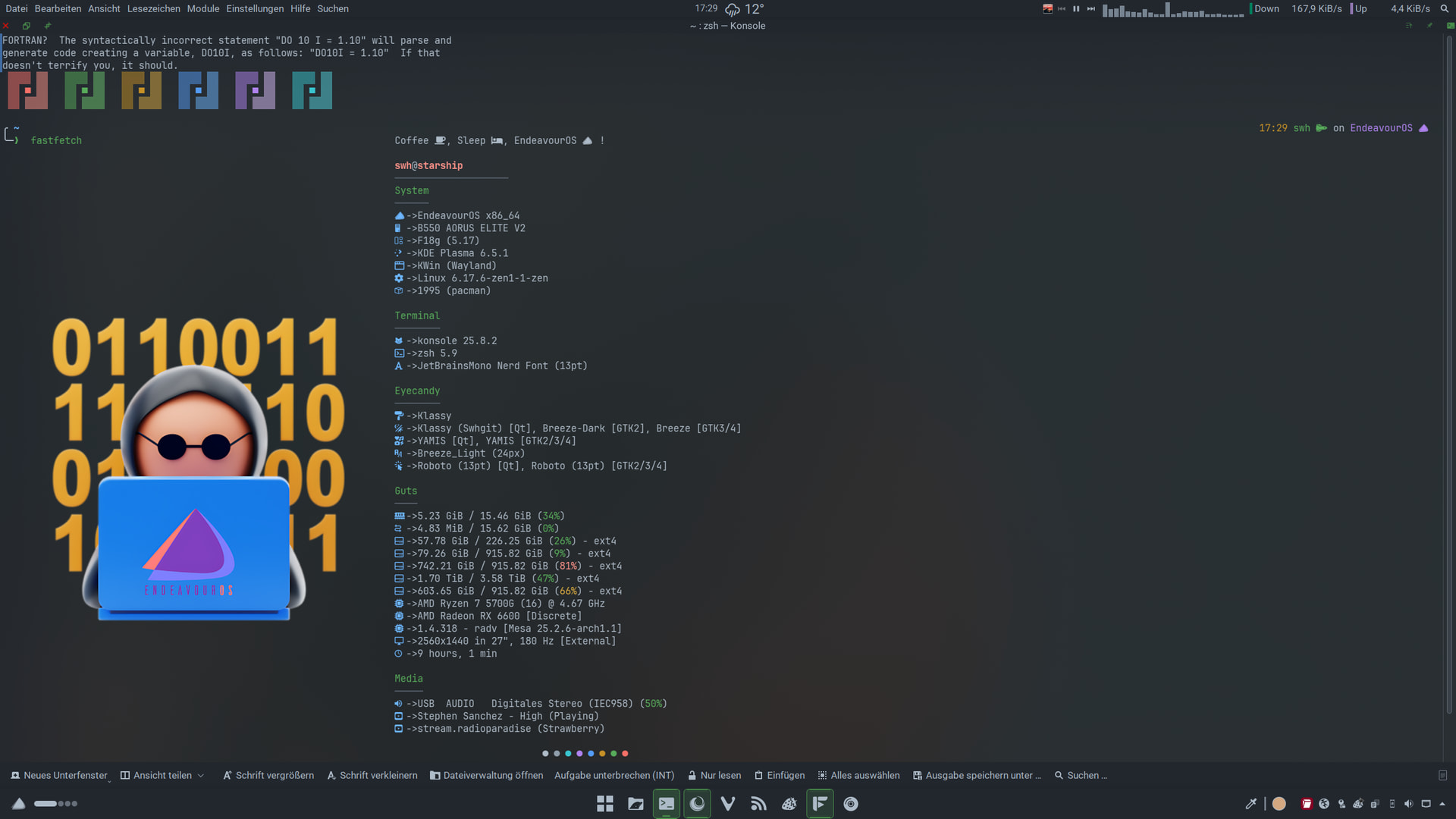
Bitstreams Vera Sans
Try nerd fonts to allow symbols to be displayed.
I used glyphs from here..
I searched “pac” and “ghost”
Edit: Also make sure you have a nerd font installed. 
hehehehe Blimmin’ marvellous. 
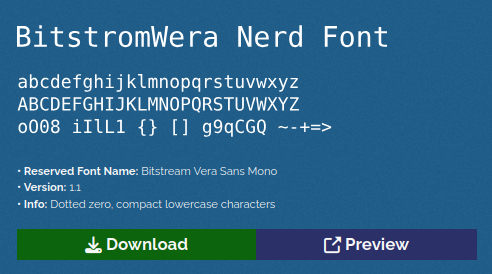

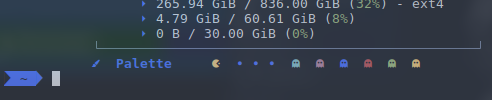
Perfect. I was just about to reply about how to activate Nerd Fonts in konsole. Glad you figured it out yet 
Blimmin’ marvelous 
A lot (maybe all) of the nerd fonts are in the extra repository. 
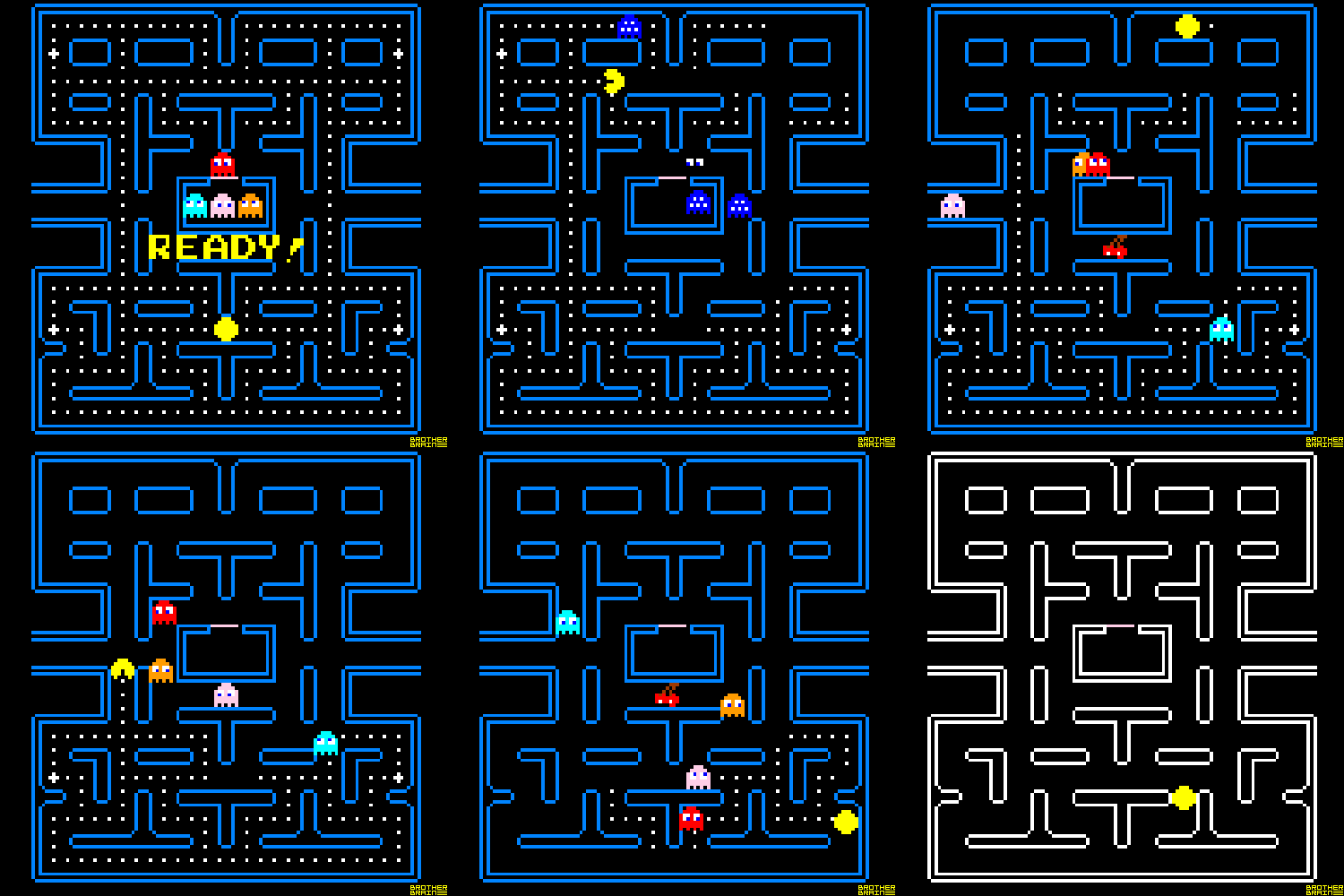
6 Likes
LOL blimmin’ true! 
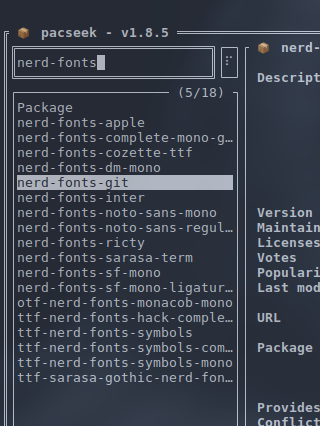
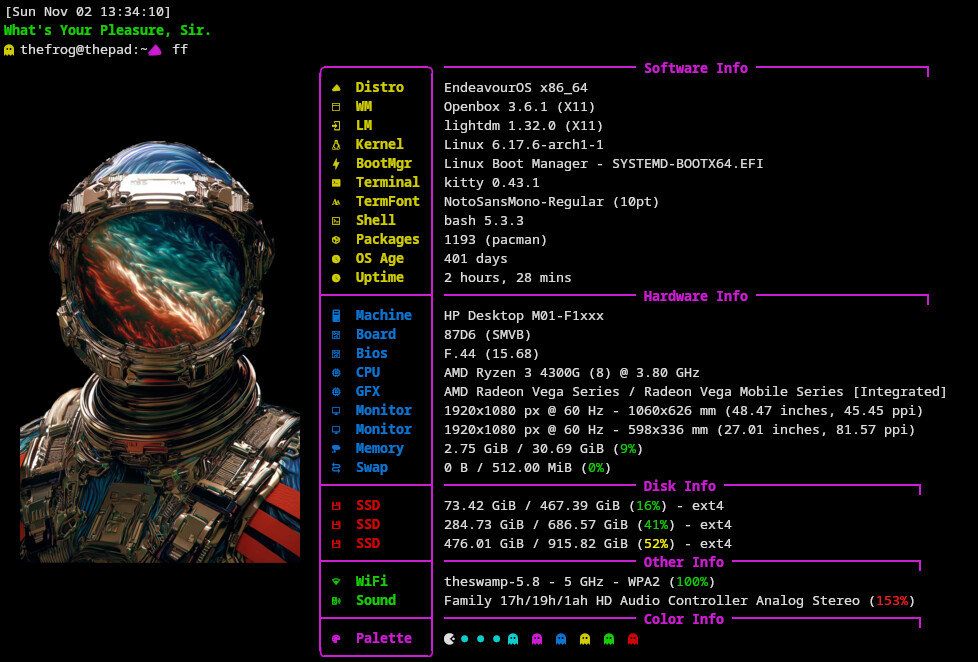
Returned to Kitty from Konsole.
I have also gone back to Bash from ZSH.
#
# ~/.bashrc
#

# If not running interactively, don't do anything
[[ $- != *i* ]] && return

alias ls='ls --color=auto'
alias grep='grep --color=auto'
PS1='[\u@\h \W]\$ '

# Created by Noodly for EndeavourOS

#Greeting

fortune paradoxum | cowthink -s
echo ""
echo -e "\033[35mHey $USER "
echo ""
echo -e "\033[35mIt's $(date +%A), $(date +%d) $(date +%B)"
echo ""
echo "We got this... probably. "

#Aliases

#Fetch
alias ff="fastfetch"

#Update System
alias u="yay"

#Clear Cache
alias cc="sudo paccache -r"

#Remove Orphans
alias ro="sudo pacman -Rns $(pacman -Qtdq)"

#Spotify Player
alias sp="spotify_player"

#Prompt
eval "$(starship init bash)"

#Kitty

#Kitten Commands
alias kt="kitten themes"
alias kf="kitten choose-fonts"
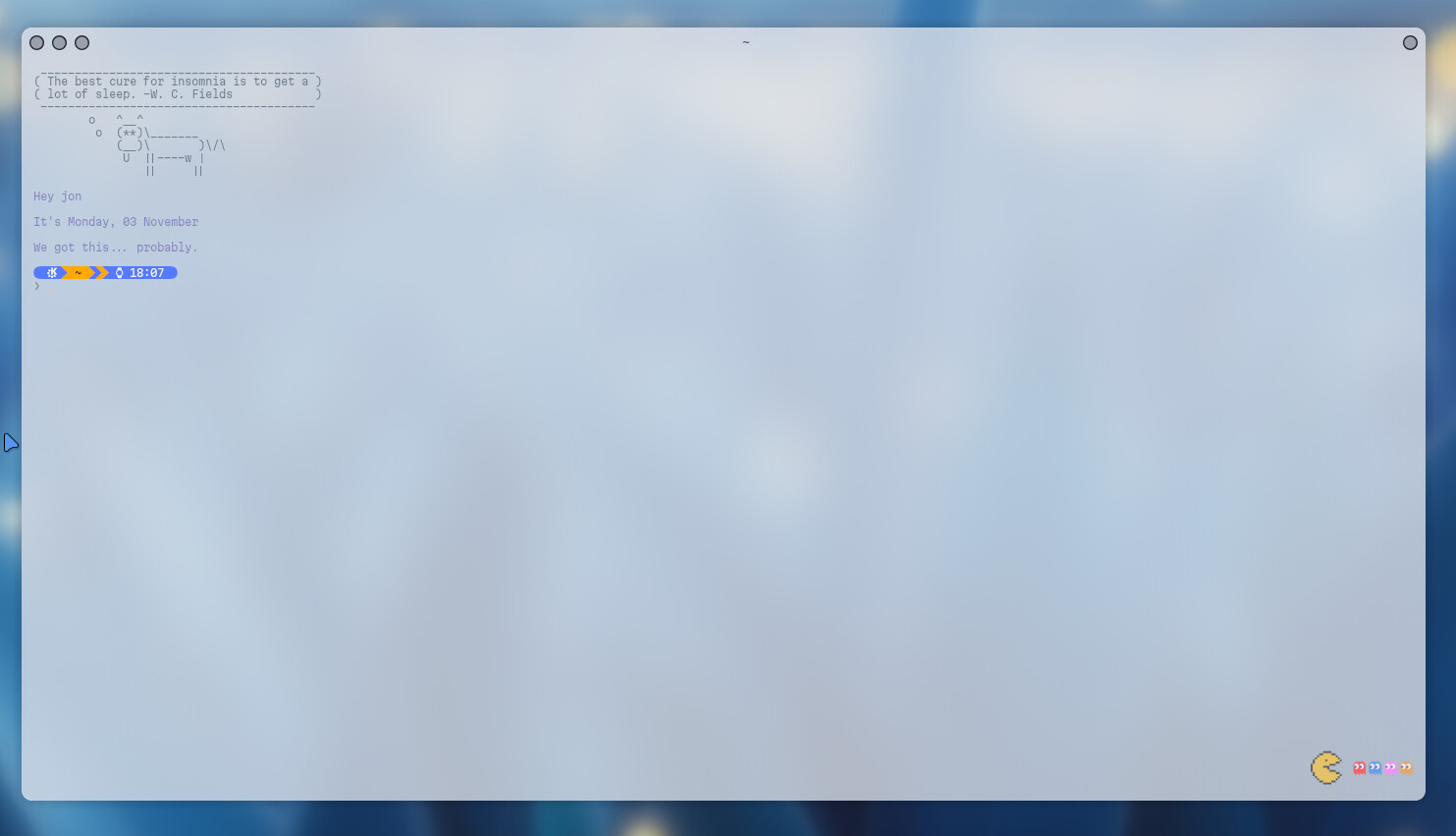
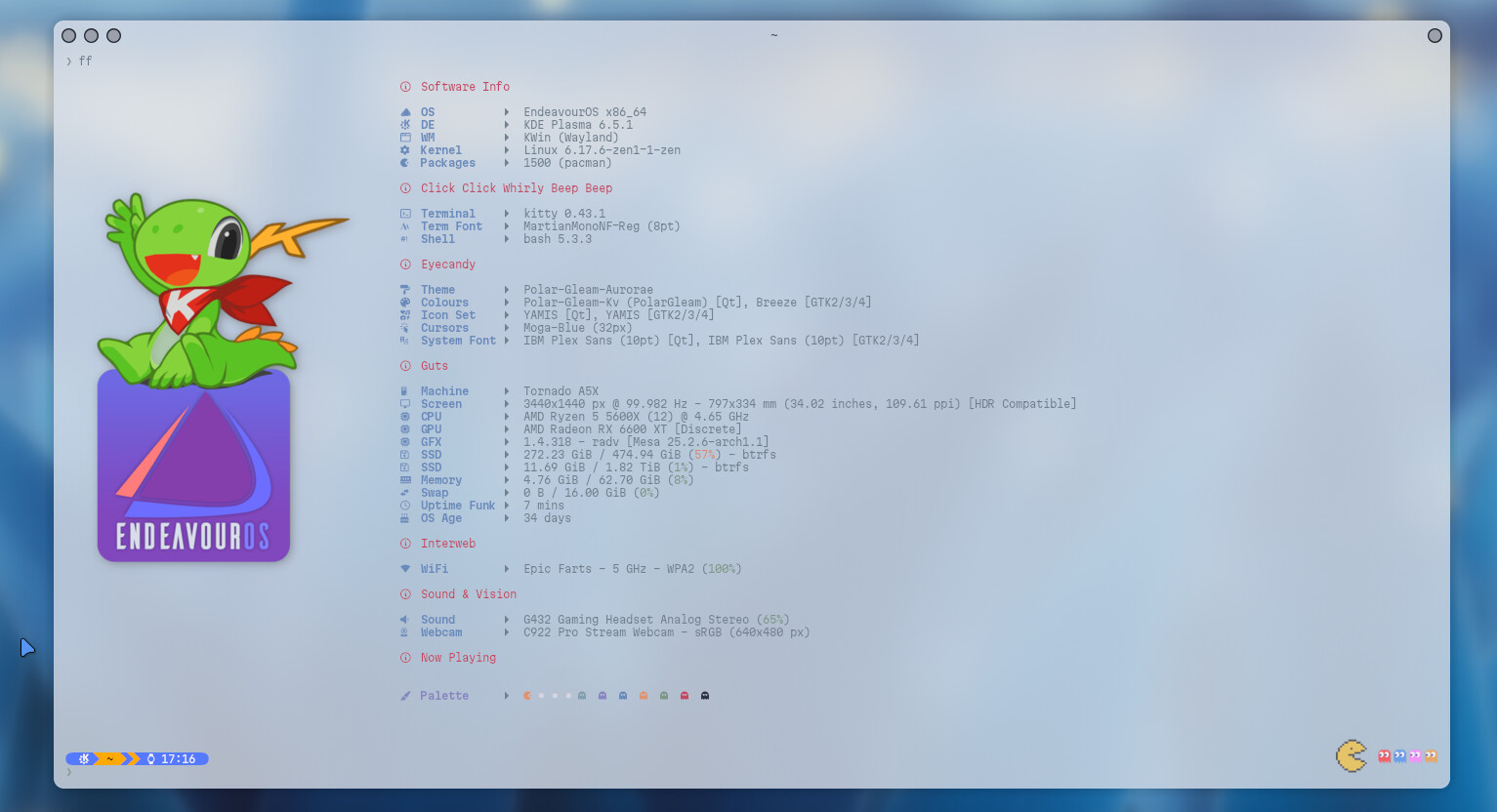
Blimmin’ fine noodled 
Thanks mate, every time I think “yep, that’s all done now” I see Endeavournauts on here doing something else with customisation that I didn’t know was possible and I get pulled back in. LOL that’s my story and I’m sticking to it.