I hope not! 
1 Like
For info:
Added openssl-1.1 to user_pkglist.txt and the installation worked fine.
2 Likes
what DE choice and options? like encryption and stuff?
because I have no issue with a normal unencrypted online install.
Done two installed now both no issues one Gnome without encryption and Plasma/KDE with encryption…
I don’t suppose you can just su - root and then fix things (avoiding sudo)?
you can run commands directly as root instead of using sudo indeed… but is this related to this thread?
It is if the only issue preventing recovery is being able to run ‘sudo’.
I wasn’t clear if that was the only program involving that library was involved. If it prevents pacman, then yeah, not a solution.
I installed BSPWM
ah thanks … could be some of its deps… i will check… so no encryption?
I just installed Bspwm with the latest ISO on vbox and had no issue. 
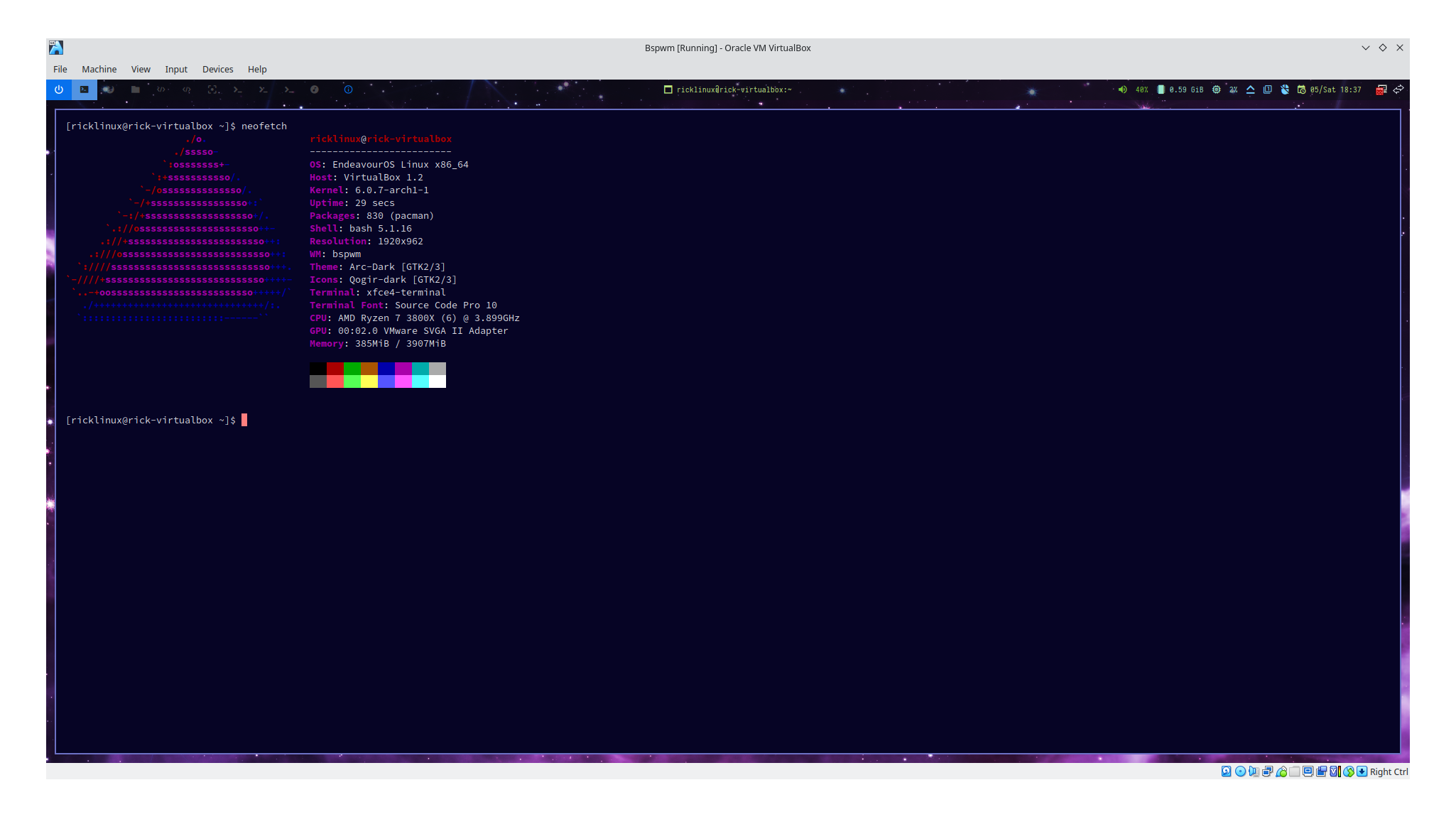
same here must be caused by outdated mirror…
1 Like
It does.
There’s actually two libraries involved: libssl.so.1.1 and libcrypto.so.1.1
In my case, what I had to do was boot the EndeavourOS ISO that I had (from September, I think). Mounted the root and efi partitions from my broken system (just like for the grub issue). Next, I copied the two libraries from the install ISO to /usr/lib of the broken system. Finally, I arch-chroot-ed to the broken system and then ran ‘pacman -S --overwrite openssl-1.1’.
Since I had a kernel update fail in the mess, I ended up running ‘pacman -Syu’, followed by a reinstall of the kernel package, and (of course) ‘mkinitcpio -P’ and ‘update-grub’.
Now everything is back to normal.
This topic was automatically closed 2 days after the last reply. New replies are no longer allowed.