Hmm, have to rearrange my perfectly set EQ all over again.
What does everyone do about the messy list of plugins in the launcher menu when using KDE “Application Launcher”? I usually just put them in their own group but this isn’t great. Do most people use the other launcher?
OT: Not having sub folders in the menu is the kind of logic I’d expect from another popular DE.

You can remove things from the menu you don’t want there.
Just right click on the launcher and select “Edit applications”. Then click the delete button in the bar on the items you don’t want to see in the menus.
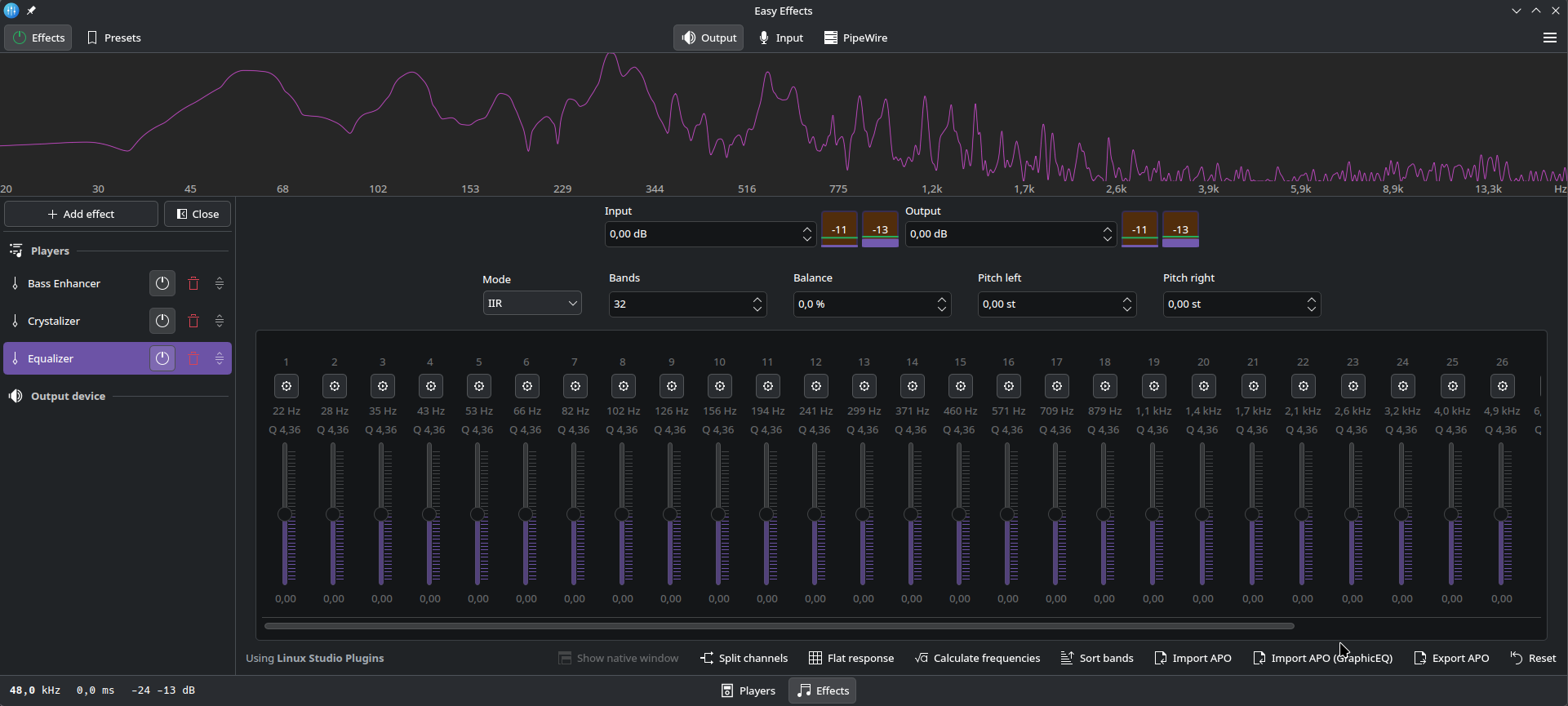
That’s why, as a KDE user I’m happy with the change 
Yeah, there is always gonna be someone upset. For example all the kde / people who preferred Qt having to deal with the gtk version for so long.
Brilliant, thank you. I’ll play around with that.
@1093i3511 I now have some excellent sounding music and 35 less packages clogging up my system. Thanks again.
It wont have any side effects to EasyEffects if I remove them all? I only use use a couple of them anyway. It’s overkill for my use case for sure.
Looks loads better to me. I hate large title bars on windows so much, even with Firefox I immediately have to enable compact mode..
If you delete them from “Edit applications”, it just hides them from the Application Launcher. The software is still installed.
I get that they are not uninstalled unless you remove them with pacman but I wasn’t sure if it maybe EasyEffects used those shortcuts to load them rather than running them directly. Thanks I’ll get rid.
I doubt it uses them, but even if it did, the .desktop files are still there. It literally just hides them from the launcher.