Hoh systemdboot
Abort chroot and unmout bootpartition
Sorry, not sure to understand!
(I feel like I am 20 again on Ubuntu Dapper Drake!) Love the thrill of messing up!

Start over…
Mount root to /mnt
Then sudo arch-chroot /mnt
Then sudo mount -va
Then sudo ls /efi shows output
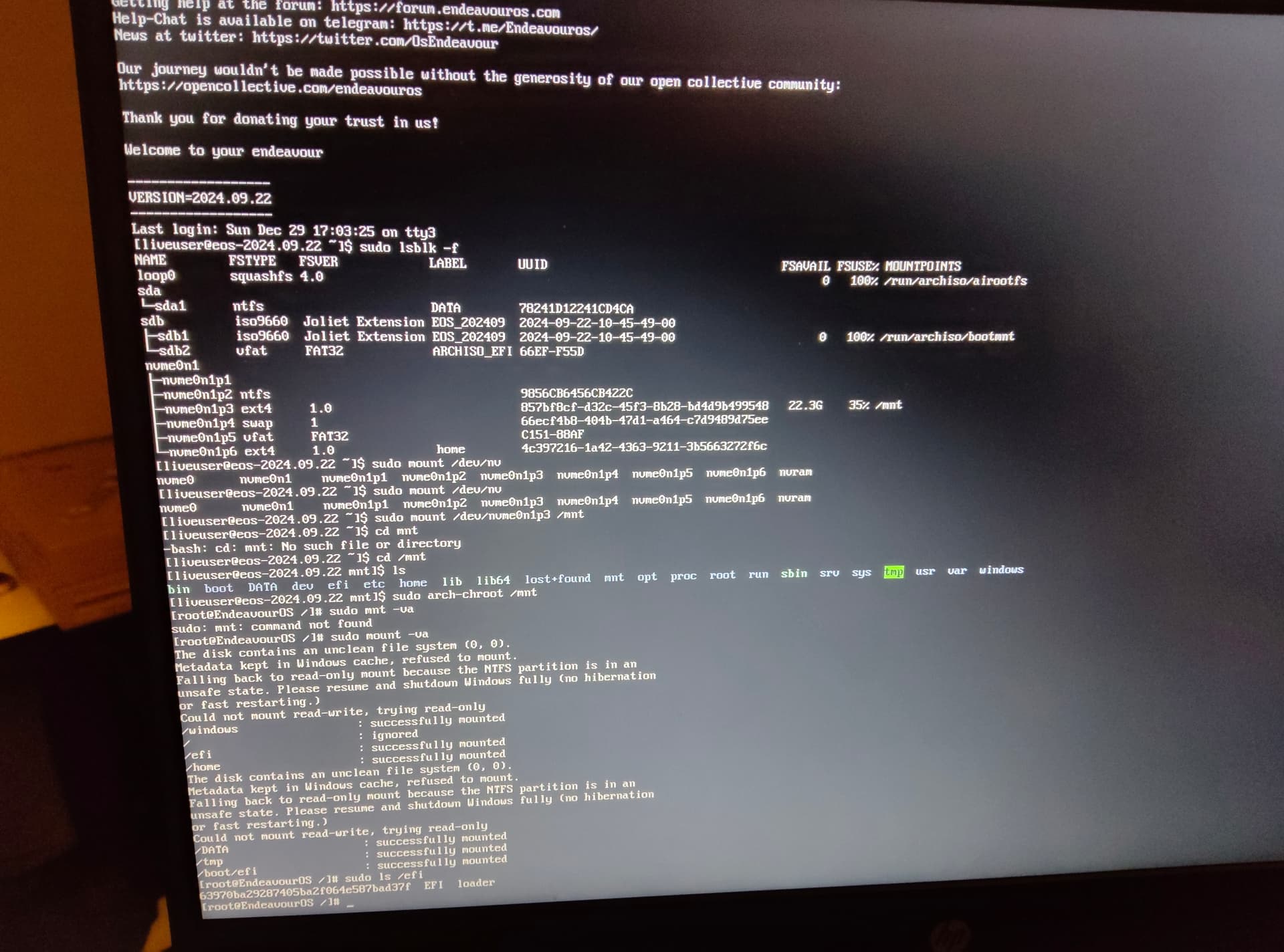
Ehm yiu unmounted the old or reboot?
Opened a new tty 
Reboot do over…rhen do the mount and chroot again
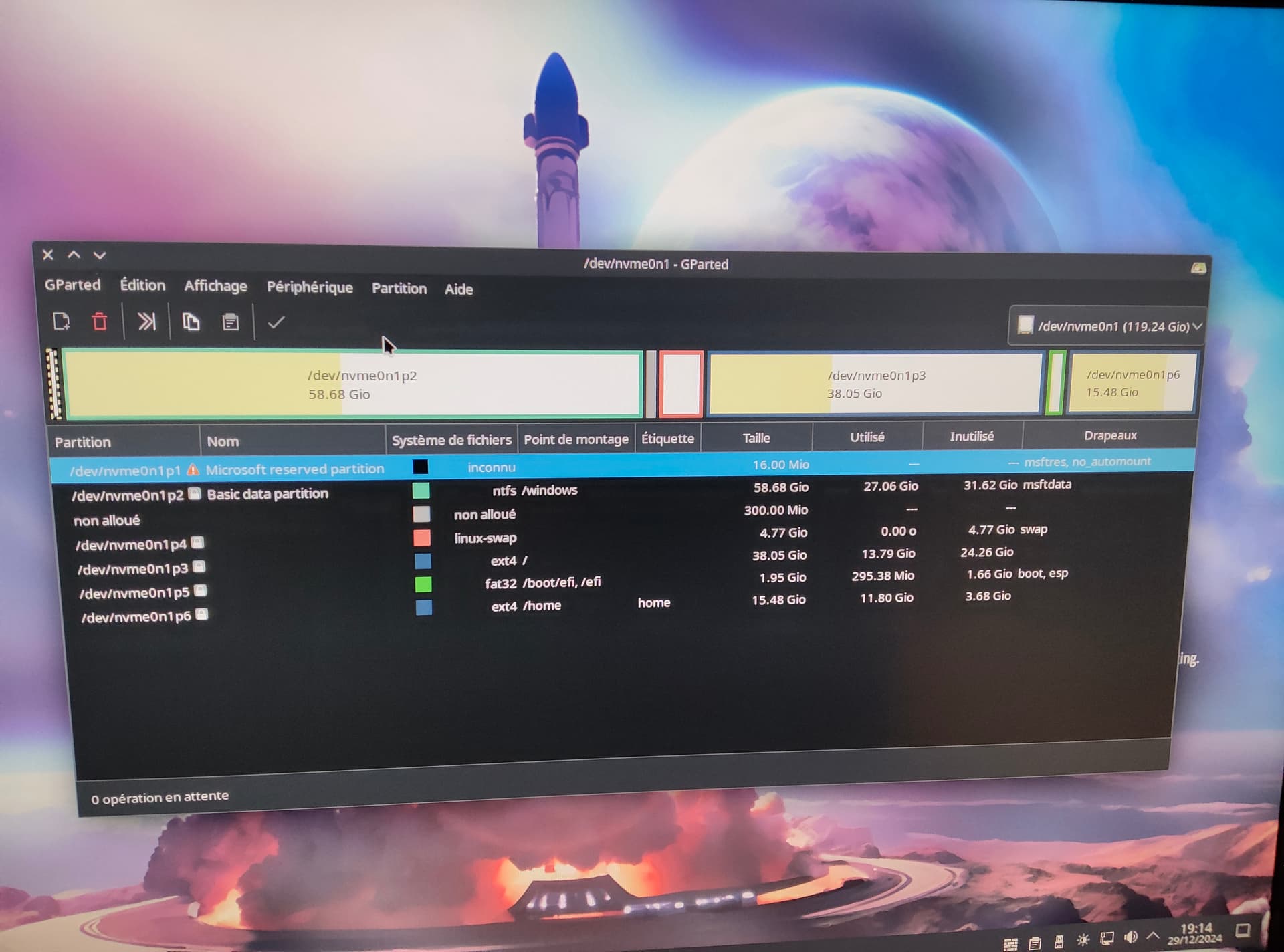
Here’s what my gparted looks like. I have that issue with the nv***p5 partition being a /boot separated partition. I read that this was something to do. But I don’t know if that’s a problem for today’s matter?
Anyway, rebooting to the live cd
Should be i think if you are using grub.
sudo mount /dev/nvme0n1p3 /mnt
sudo mount /dev/nvme0n1p5 /mnt/boot/efi

sudo arch-chroot /mnt
Not sure if your boot partition is messed up. Looks strange name fat32 /boot/efi, /efi in the image.
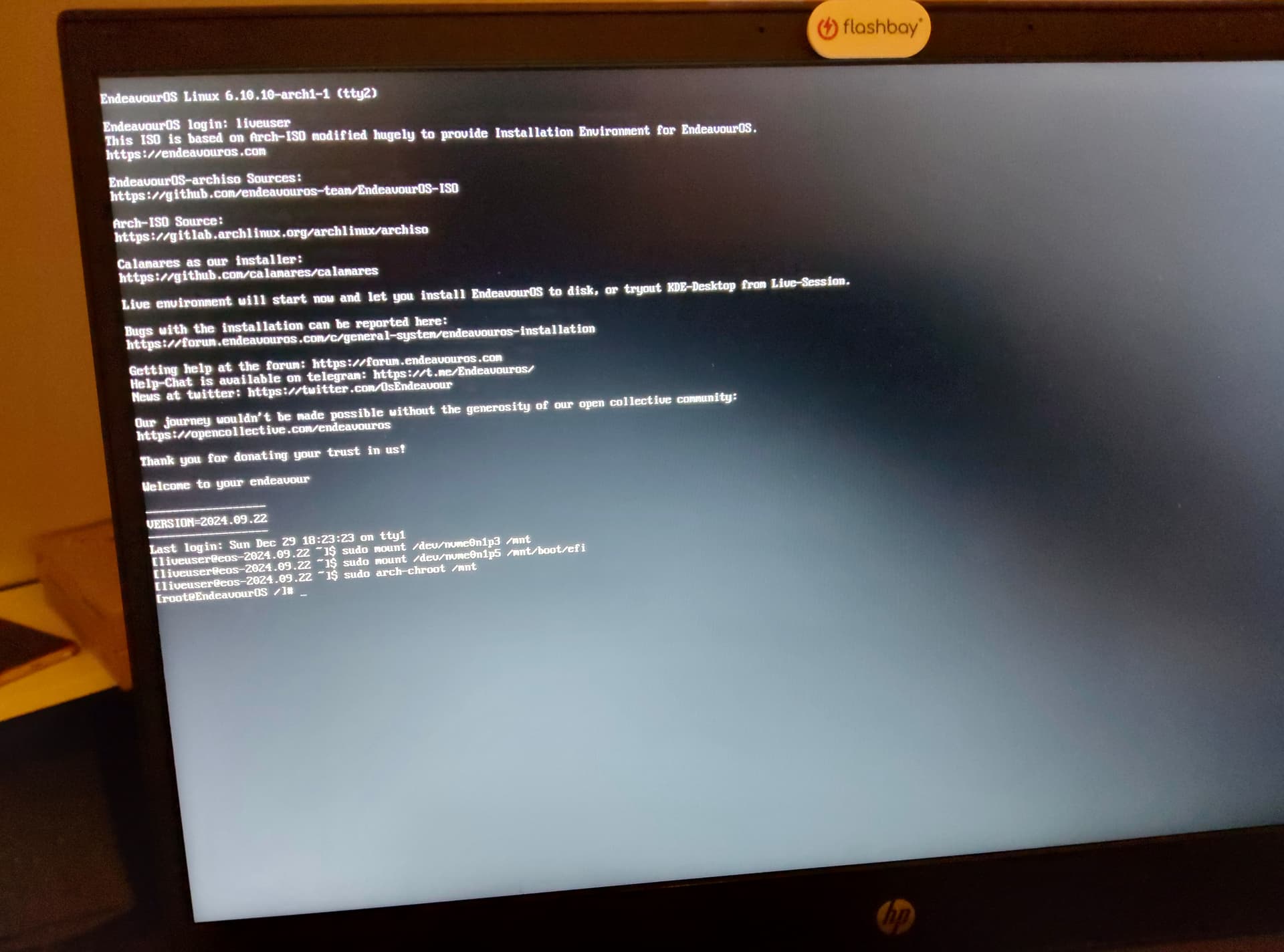
What is /etc/fstab
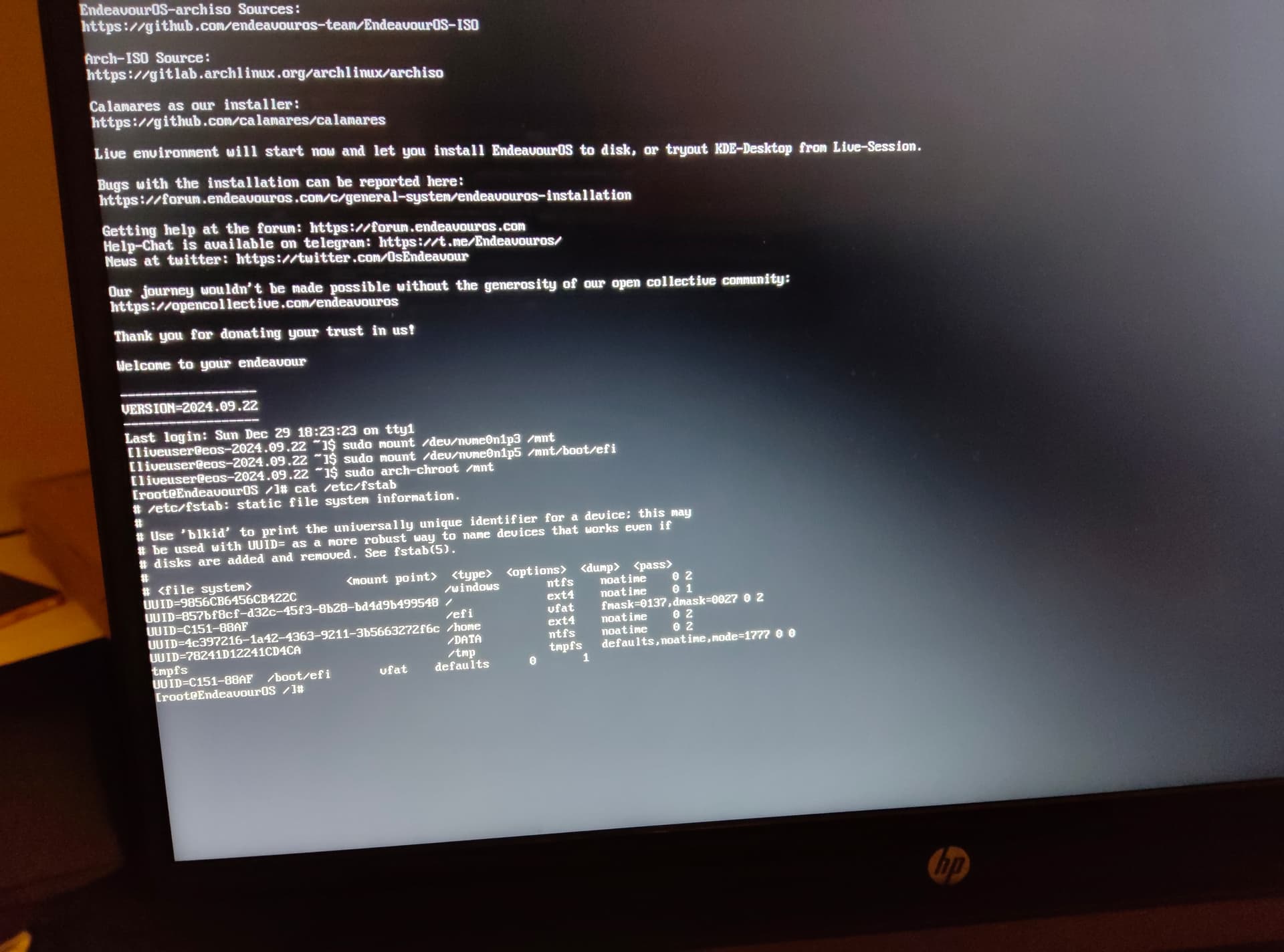
System does not use grub cannot mount to grub
Edit: configured to use systemd-boot
You loose me bro
Eos config , grub is mounted in fstab /boot/efi
Systemd-boot /efi
Now fix on grub does not work
Damnit! Does that mean I need to go through a “clean” install to solve my issues?
Or fix the boot on systemd boot first clean chroot
How do I do that?
(Did I thank you for your help? If not: a big heads-up to you!)
Do as I told in a clean live…
Mount root to /mnt
Then sudo arch-chroot /mnt
Sudo mount -va
Then is all mounted en cjrooted
Sudo bootctl install
Sudo pacman -S linux
Sudo reinstall-kernels
That should do